Protecting Your Digital Signature: A Guide to Secure PDF Scanning Apps
With the rise of digital documentation, it's essential to choose a scan PDF app that prioritizes security and protects your sensitive information from data leaks. In this article, we'll explore the key features to look for in a secure scan PDF app and analyze the top PDF apps on the market. By making informed decisions about the apps you use, you can safeguard your personal data and maintain control over your digital footprint.
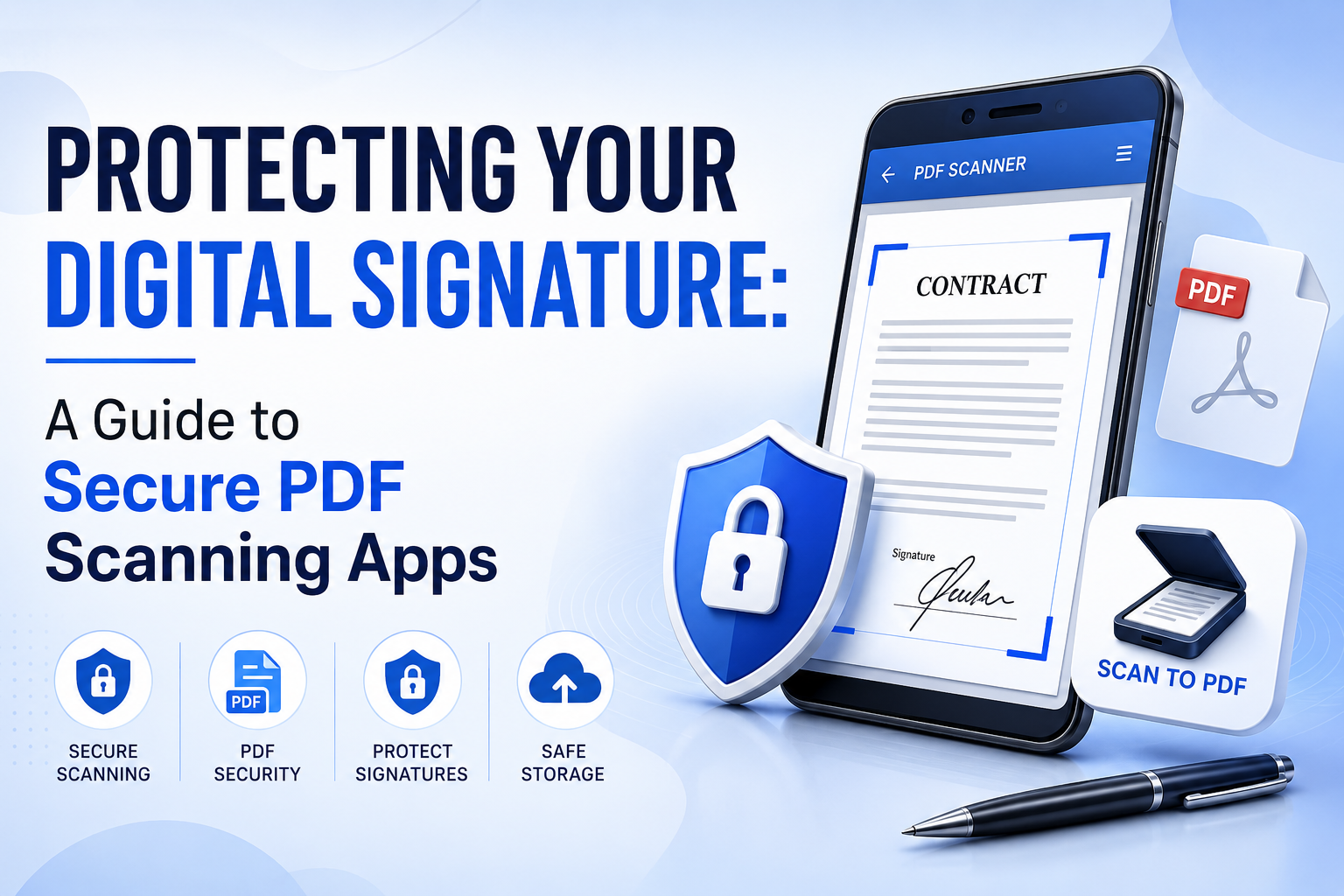
In today's digital age, scanning and sharing documents has become an essential part of our personal and professional lives. With the increasing use of mobile devices, scan PDF apps have become incredibly popular, allowing us to quickly and easily scan, edit, and share documents on the go. However, with the convenience of these apps comes a significant risk to our personal data and security. Not all scan PDF apps are created equal, and some may compromise your sensitive information, leaving it vulnerable to data leaks and cyber attacks. As we continue to rely on digital documentation, it's crucial that we prioritize security and choose a scan PDF app that protects our information.
https://play.google.com/store/apps/details?id=com.editpdfstudio
As we navigate the complex world of scan PDF apps, it's essential to understand the security protocols that are in place to safeguard our data. A secure scan PDF app should have robust encryption methods, such as AES-256, to protect your documents both in transit and at rest. Additionally, the app should have a clear and transparent privacy policy, outlining how your data is collected, stored, and shared. It's also vital to look for apps that offer local storage options, allowing you to store your documents on your device rather than in the cloud. By taking the time to research and understand the security features of a scan PDF app, you can make an informed decision about which app to use and ensure that your sensitive information remains protected.
When evaluating the top PDF apps on the market, it's clear that some apps prioritize security more than others. For example, some apps may use end-to-end encryption, ensuring that only you and the intended recipient can access your documents. Others may offer advanced security features, such as password protection, biometric authentication, and document encryption. It's also important to consider the app's reputation and track record, looking for apps that have a history of prioritizing security and protecting user data. By analyzing the security protocols and features of the top PDF apps, you can make a confident decision about which app to use for your sensitive documents.
In addition to evaluating the security features of scan PDF apps, it's also essential to consider the broader implications of data privacy and cloud storage security. As we increasingly rely on cloud-based services to store and share our documents, we must be aware of the potential risks and take steps to mitigate them. This includes being mindful of the types of documents we store in the cloud, using strong passwords and two-factor authentication, and regularly reviewing our cloud storage settings to ensure that our data is secure. By taking a proactive approach to data privacy and cloud storage security, we can protect our sensitive information and maintain control over our digital footprint.
Ultimately, choosing a secure scan PDF app is a critical decision that requires careful consideration and research. By prioritizing security and evaluating the top PDF apps on the market, you can safeguard your sensitive information and protect your digital footprint. Remember to look for apps with robust encryption methods, clear privacy policies, and advanced security features, and don't be afraid to ask questions or seek guidance if you're unsure about an app's security protocols. By making informed decisions about the apps you use, you can maintain control over your personal data and ensure that your sensitive documents remain secure and protected.
AppHub Technology Editorial
Written by the engineering and product team at AppHub Technology. We are a premier mobile app development agency specializing in native Android, iOS, and cross-platform solutions for businesses worldwide.
Ready to turn your idea into reality?
Skip the guesswork. Get a free technical consultation and a detailed project blueprint from our mobile architects.
- NDA Protected
- Free Architecture Plan