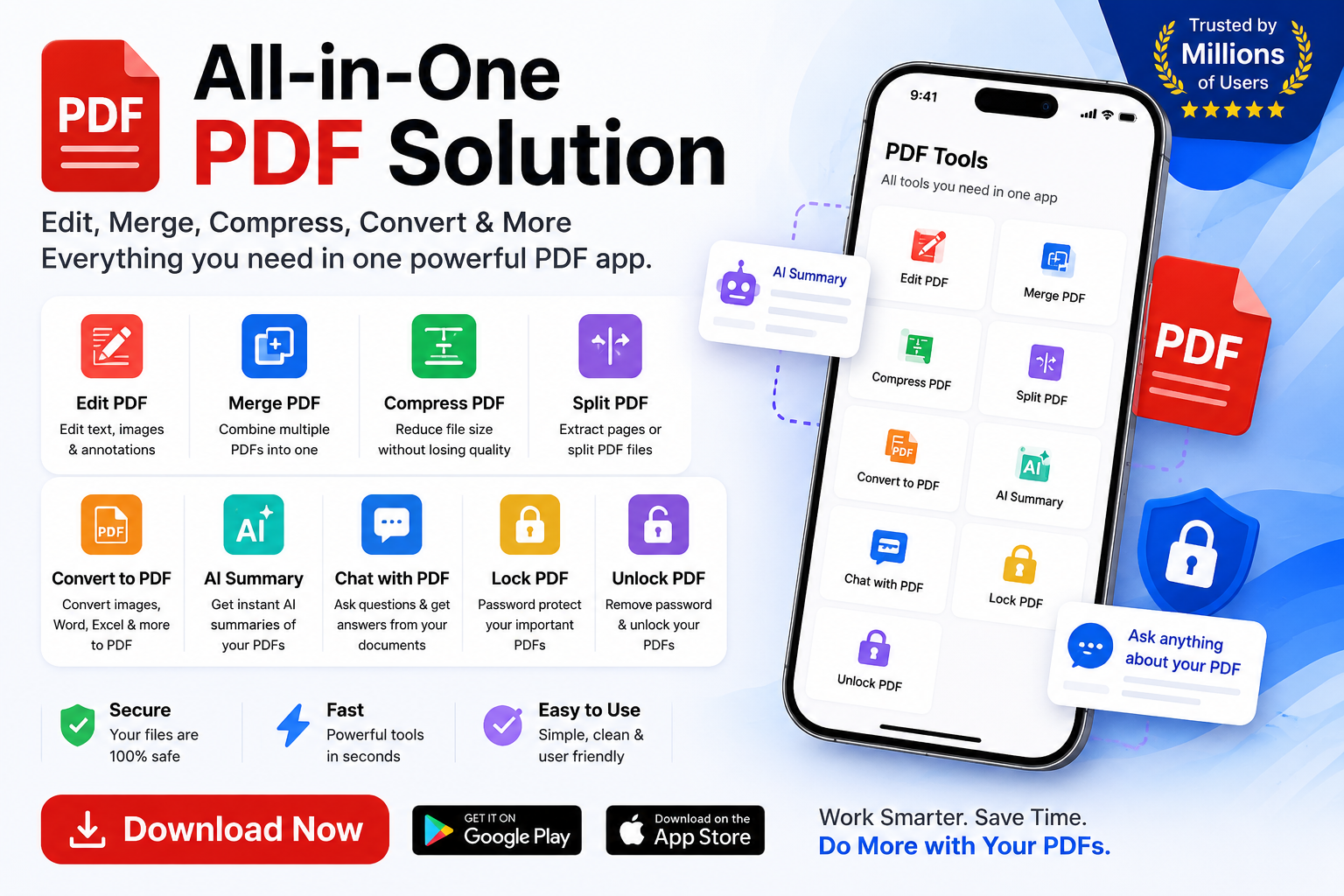
When it comes to converting images to PDFs, users expect a quick and easy process. However, many image to PDF apps fall short of this expectation, leaving users frustrated with complicated workflows and poor design. As developers, it's essential to prioritize the user experience and create an app that is both functional and intuitive. A well-designed image to PDF app can make all the difference in reducing friction and increasing user satisfaction. By streamlining the conversion process and providing a seamless user experience, developers can set their app apart from the competition and establish a loyal user base. In recent years, the trend of 'one-tap' utility has taken the development community by storm, with many developers optimizing their apps for simplicity and ease of use. This shift towards simplicity has made UX breakdowns highly shareable in dev communities, highlighting the importance of getting it right.
The key to creating a seamless user experience in an image to PDF app lies in the UI/UX design. A clean and intuitive interface can guide the user through the conversion process, reducing confusion and frustration. High-converting image to PDF apps often feature a simple and minimalistic design, with clear instructions and minimal clutter. By reducing the number of steps required to complete the conversion, developers can minimize friction and make the process more efficient. Additionally, features such as drag-and-drop functionality, batch conversion, and real-time previews can further enhance the user experience. By incorporating these features and prioritizing simplicity, developers can create an app that is both easy to use and effective. Furthermore, a well-designed app can also improve user engagement, as users are more likely to return to an app that provides a positive experience.
Another crucial aspect of image to PDF app design is the conversion workflow. A well-designed workflow can make the conversion process faster and more efficient, while a poorly designed workflow can lead to frustration and abandonment. To create a seamless workflow, developers should focus on reducing the number of steps required to complete the conversion, while also providing clear instructions and feedback to the user. This can be achieved through features such as automated image detection, pre-set conversion settings, and real-time progress updates. By streamlining the conversion workflow, developers can minimize friction and make the process more enjoyable for the user. Moreover, a well-designed workflow can also improve the overall performance of the app, as it can reduce the load on the server and minimize the risk of errors. By prioritizing the conversion workflow, developers can create an app that is both fast and reliable.
In addition to the UI/UX design and conversion workflow, developers should also consider the overall performance of the app. A slow or buggy app can be frustrating for users, leading to negative reviews and a loss of trust. To ensure optimal performance, developers should focus on optimizing the app's code, minimizing server load, and implementing robust error handling. By prioritizing performance, developers can create an app that is both fast and reliable, providing a seamless user experience even in high-traffic scenarios. Furthermore, a well-performing app can also improve user engagement, as users are more likely to return to an app that provides a fast and efficient experience. By combining a well-designed UI/UX with a seamless conversion workflow and optimal performance, developers can create an image to PDF app that meets the needs of their users and sets a new standard for the industry.
By prioritizing the user experience and creating a seamless image to PDF app, developers can establish a loyal user base and set their app apart from the competition. As the trend of 'one-tap' utility continues to shape the development community, it's essential for developers to focus on simplicity, ease of use, and performance. By incorporating features such as drag-and-drop functionality, batch conversion, and real-time previews, developers can create an app that is both easy to use and effective. Additionally, by streamlining the conversion workflow and prioritizing performance, developers can minimize friction and make the process more enjoyable for the user. By following these best practices and prioritizing the user experience, developers can create an image to PDF app that provides a seamless user experience and meets the needs of their users. As the demand for image to PDF apps continues to grow, developers who prioritize the user experience will be well-positioned to succeed in this competitive market.