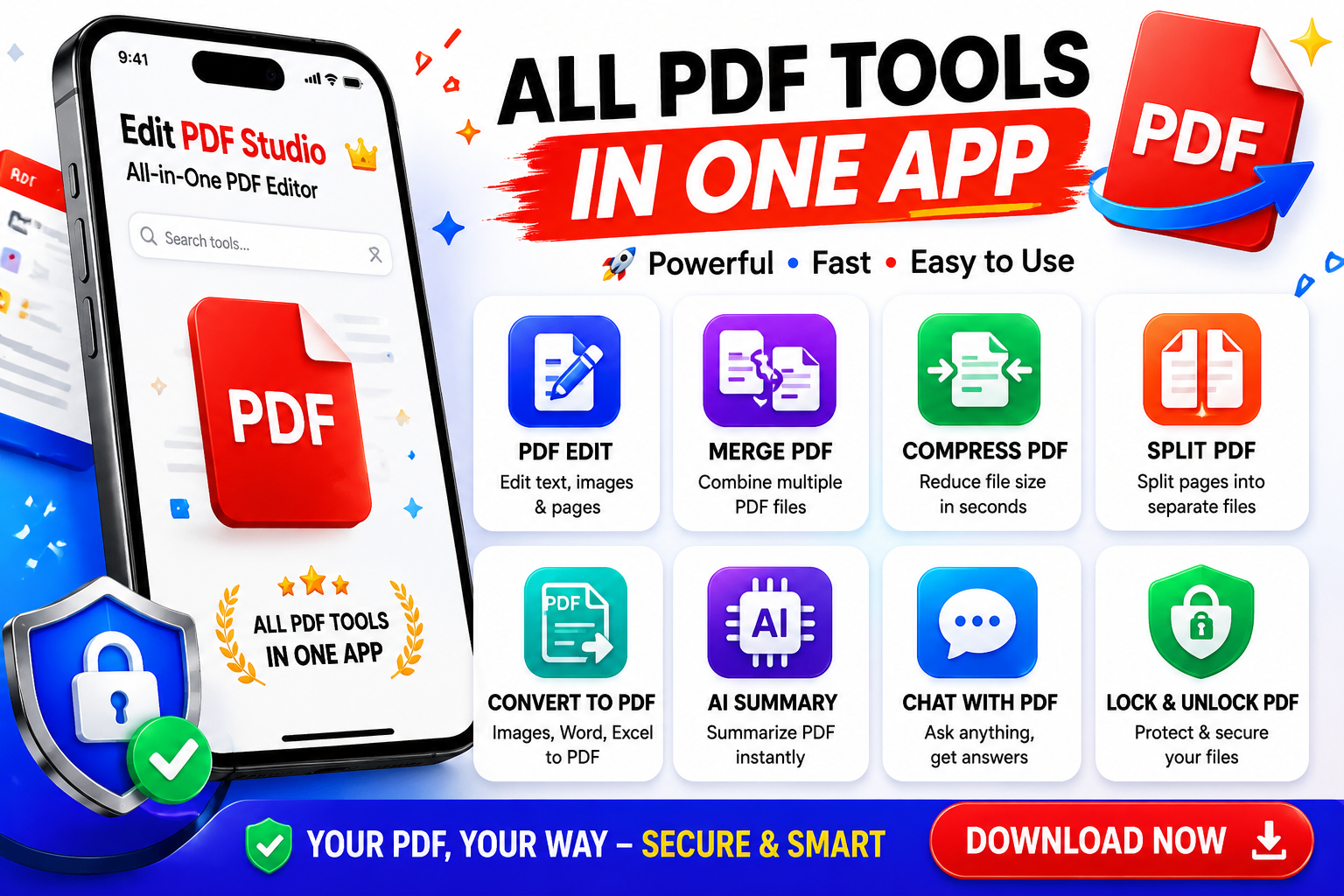
The world of PDF apps is vast and varied, with numerous options available for both personal and professional use. For many users, the decision to use a free or paid PDF app depends on their specific needs and requirements. Free PDF apps are great for basic tasks such as viewing, editing, and converting PDF files, but they often lack advanced features that can be found in paid apps. Paid PDF apps, on the other hand, offer a wide range of features that can enhance productivity and efficiency, including advanced editing tools, security features, and collaboration capabilities. In this article, we will delve into the key differences between free and paid PDF apps and explore which features are actually worth investing in. By understanding the pros and cons of each option, users can make informed decisions about which type of PDF app is best for their needs. Whether you are a student, professional, or business owner, this article will provide you with the information you need to choose the right PDF app for your specific requirements.
When it comes to free PDF apps, there are many options available, each with its own set of features and limitations. Some popular free PDF apps include Adobe Acrobat Reader, Foxit Reader, and SumatraPDF. These apps are great for basic tasks such as viewing and editing PDF files, but they often lack advanced features such as security and collaboration tools. For example, Adobe Acrobat Reader is a popular free PDF app that allows users to view and edit PDF files, but it does not offer advanced features such as password protection or digital signatures. In contrast, paid PDF apps such as Adobe Acrobat Pro and Foxit PhantomPDF offer a wide range of advanced features that can enhance productivity and efficiency. These features include advanced editing tools, security features, and collaboration capabilities, making them ideal for professionals and businesses that require more advanced PDF functionality. By understanding the limitations of free PDF apps, users can make informed decisions about whether they need to upgrade to a paid app.
One of the key advantages of paid PDF apps is the advanced editing tools they offer. Paid apps such as Adobe Acrobat Pro and Foxit PhantomPDF provide users with a wide range of editing tools, including text editing, image editing, and page editing. These tools allow users to make complex changes to PDF files, including adding or removing pages, editing text and images, and modifying layouts. In addition to advanced editing tools, paid PDF apps also offer advanced security features, including password protection, digital signatures, and encryption. These features are essential for professionals and businesses that need to protect sensitive information and ensure the integrity of their PDF files. Furthermore, paid PDF apps often include collaboration capabilities, such as commenting and markup tools, that allow multiple users to work together on a single PDF file. By providing advanced editing, security, and collaboration features, paid PDF apps can enhance productivity and efficiency, making them a worthwhile investment for many users.
In addition to the features mentioned above, paid PDF apps often include other advanced capabilities that can be beneficial for professionals and businesses. For example, some paid PDF apps include optical character recognition (OCR) technology, which allows users to convert scanned PDF files into editable text. This feature is particularly useful for users who need to work with scanned documents, such as contracts or invoices. Paid PDF apps may also include features such as PDF compression, which reduces the file size of PDF files, and PDF optimization, which improves the performance of PDF files. These features can be particularly useful for users who need to share large PDF files or upload them to websites. By providing these advanced features, paid PDF apps can help users to work more efficiently and effectively, making them a valuable investment for many professionals and businesses. Whether you are a student, professional, or business owner, paid PDF apps can provide you with the tools and features you need to succeed in your field.
In conclusion, while free PDF apps can be sufficient for basic tasks, paid PDF apps offer advanced features that can enhance productivity and efficiency. By understanding the key differences between free and paid PDF apps, users can make informed decisions about which type of app is best for their needs. Whether you are a professional, business owner, or student, paid PDF apps can provide you with the advanced features and capabilities you need to succeed in your field. From advanced editing tools and security features to collaboration capabilities and OCR technology, paid PDF apps offer a wide range of benefits that can be worth investing in. By choosing the right PDF app for your specific requirements, you can work more efficiently and effectively, and achieve your goals with ease. With so many paid PDF apps available, it is essential to research and compare different options to find the one that best meets your needs and budget.