Building a PDF Editor That Protects Work During Every Save
Learn the architecture behind crash-proof mobile PDF editors using the Command Pattern, Undo Stacks, and incremental EOF saving.
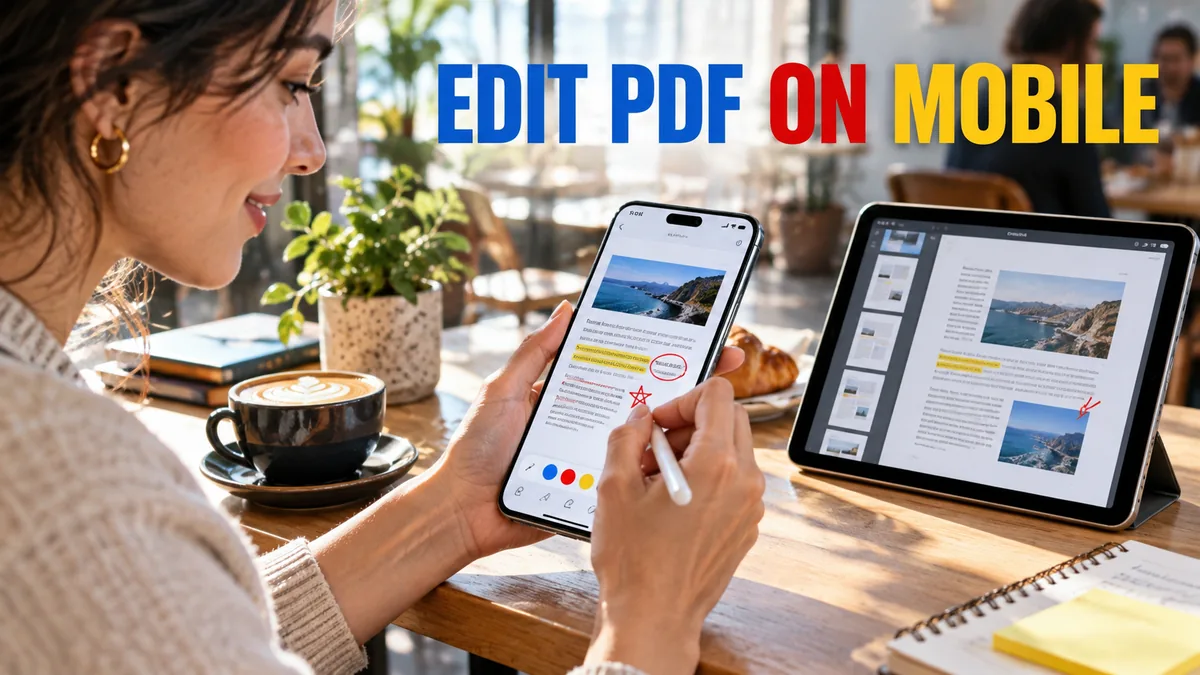
If a user spends 30 minutes annotating a 100-page contract on their iPad and the app crashes, resulting in total data loss, they will never use your product again. At AppHub Technology, we engineered Edit PDF Studio around one core principle: Building a PDF Editor That Protects Work During Every Save.
The Semantic Architecture of the Undo Stack
You cannot edit a PDF by repeatedly overwriting the original file. A robust PDF editor utilizes a Command Pattern architecture. Every user action (drawing a line, adding text) is encapsulated as an executable Command object and pushed onto an Undo Stack. Instead of saving the entire PDF after every stroke, you serialize the Undo Stack.
Core Entities in Document Architecture
- Command Pattern: Encapsulating user actions to enable deterministic Undo/Redo functionality.
- Incremental Saves: Appending changes to the end of a PDF file structure rather than rewriting the entire binary.
- Auto-Save Checkpointing: Writing the serialized state to a temporary local SQLite database every 5 seconds.
Implementing Incremental Saves
The PDF specification (ISO 32000-1) explicitly supports incremental updates. When a user signs a document, do not re-render the 50MB file. Append the new signature object and an updated XRef table to the EOF (End of File). This reduces a 3-second save operation to 10 milliseconds, allowing you to Auto-Save constantly without blocking the UI thread.
Geo-Optimization: Battery-Aware Saving
Constant disk I/O drains battery life. In markets where users rely on older Android hardware, aggressive auto-saving will trigger thermal throttling. Implement a battery-aware debounce mechanism. If the battery is below 20%, switch from time-based auto-saving (every 5 seconds) to event-based auto-saving (only when the user navigates away from the current page), preserving device health.
AppHub Technology Editorial
Written by the engineering and product team at AppHub Technology. We are a premier mobile app development agency specializing in native Android, iOS, and cross-platform solutions for businesses worldwide.
Ready to turn your idea into reality?
Skip the guesswork. Get a free technical consultation and a detailed project blueprint from our mobile architects.
- NDA Protected
- Free Architecture Plan